On-screen shortcut layouts
Sample layouts for Grid panels, a Radial menu, and Pen gestures are pictured below.
Note: All On-screen shortcut layouts are in "Icon only" format.
Grid panel layouts |
|
 |
 |
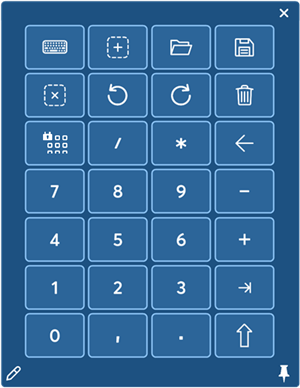
| Keypad (7x4) Grid panel (similar to the keyboard keypad that displays on your computer monitor) |
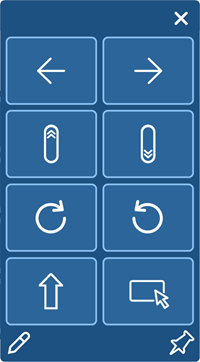
Double column (4x2) Grid panel |
 Single row (1x8) Grid panel |
|
Tip: You can change the layout of a Grid panel to another Grid panel layout.
Radial menu layout | |
 8-key Radial menu
|
Pen gesture layouts |
|
Note: Pre-configured Pen gestures come installed in Wacom Center on select devices. |
|
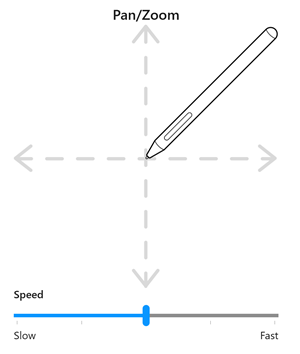 Pan/Zoom Pen gesture |
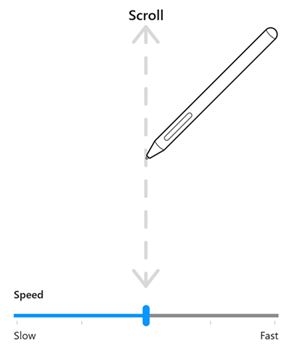 Scroll Pen gesture |
| | Do not share my information | | Cookies | | Terms of use | | Privacy Policy |