Pop-up notifications
Pop–up notifications temporarily display the current settings for your ExpressKeys and Dials when you press an ExpressKey. Pop–up notifications are turned on by default.
Note: The display fades out after 2 seconds on the screen.
Turn Pop–up notifications off or on
- Open Wacom Center.
- Select your device in the Devices sidebar.
- In the main content area, click Advanced.
- On the Advanced settings screen, turn the Pop-up notifications slider to Off or On.
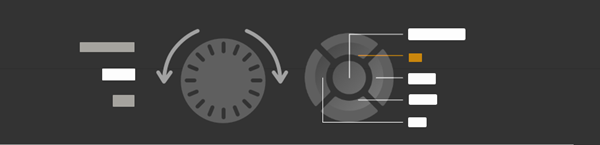
The above screenshot is for illustrative purposes; it may not match your screen.
| Tip: Pop-up notifications also control Display toggle pop-up, which shows a pen icon on the screen your pen is mapped to when using Display toggle. |  |
| | Do not share my information | | Cookies | | Terms of use | | Privacy Policy |