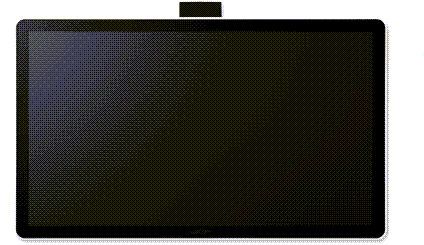
About the DTH142E
The DTH142 pen display allows you to easily view, annotate, and sign documents. Use the tether included with the device to attach the pen to the device.
Interact with your device using Touch & gestures, multi-finger swipes and taps that allow you to perform various actions.
For illustrations and information about the DTH142E, see the Features page. For connection instructions, see Connect to your computer.
Included with the DTH142E
The DTH142E comes with the following items:
| Description | Illustration |
|---|---|
| DTH142E pen display | 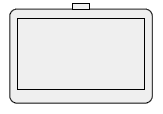 |
| DTH142E pen |  |
| Pen nibs (x3) |  |
| Nib removal tool |  |
| USB-C to C cable | 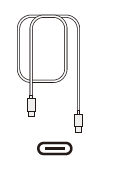 |
| USB-A to C cable | 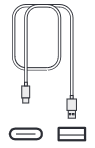 |
| Mini HDMI-HDMI cable | 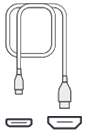 |
| Power adapter |  |
| Pen tether | 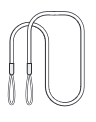 |
| Important Product Information | |
Find more information
Review the Important Product Information, which describes safety precautions, specifications, warranties, and the license agreement for your device, available in the Help & support  section of Wacom Center.
| | Do not share my information | | Cookies | | Terms of use | | Privacy Policy |